CRMs such as HubSpot include built-in tracking tags you can drop onto your site. As soon as someone clicks your LinkedIn ad, HubSpot will automatically pick it up. You can also directly integrate HubSpot with LinkedIn campaign manager for the same.
Still, capturing only clicks misses all the view-through conversions, and that’s a critical blind spot if you’re running an ABM program on LinkedIn.
In this post, I’ll cover how to send LinkedIn ad clicks into your CRM for ABM use, why click-only data is inadequate, and how ZenABM helps you push complete company-level LinkedIn ad engagement data to your CRM for ABM.
How to Push LinkedIn Ad Clicks into Your CRM for ABM (and Why Clicks Alone Fall Short): Summary
You can send LinkedIn ad click data into your CRM (e.g., HubSpot) via HubSpot’s native LinkedIn Ads connector.
Steps to set it up:
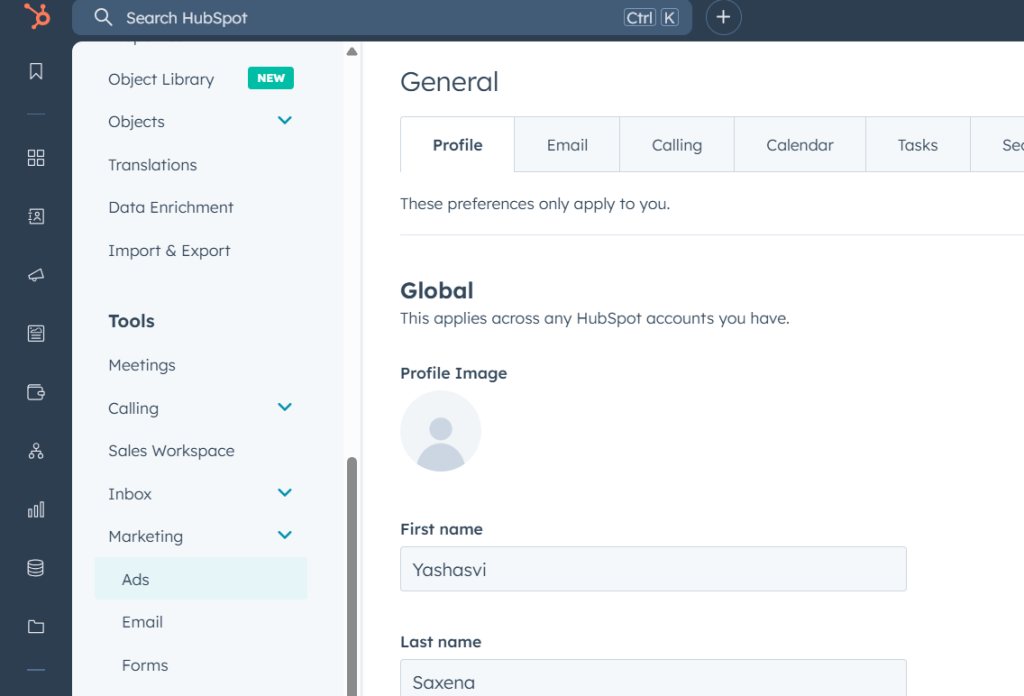
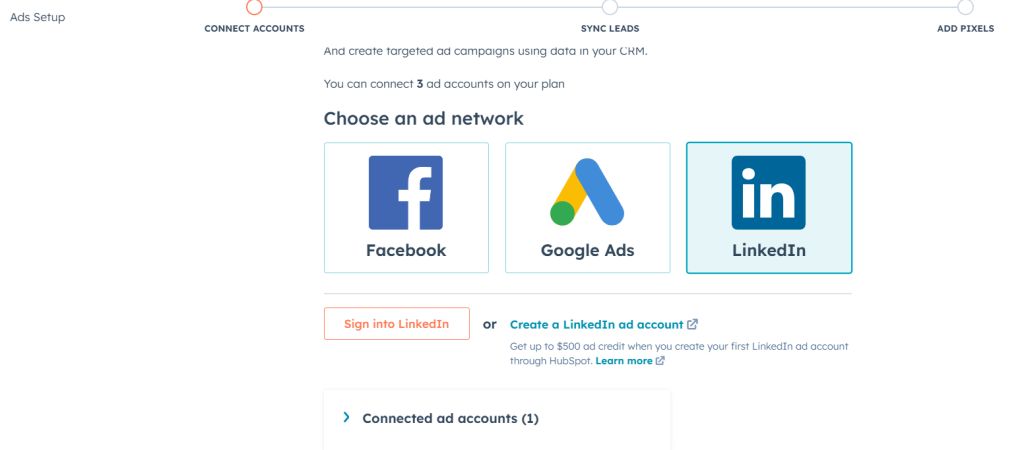
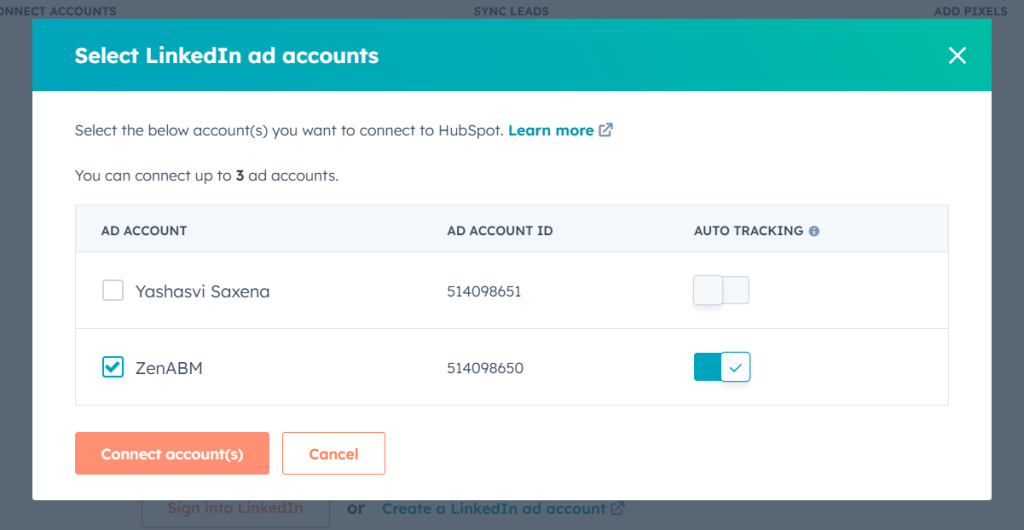
In HubSpot, go to Settings > Marketing > Ads and link your LinkedIn account.
Toggle on auto-tracking so HubSpot captures campaign metrics like clicks, spend, and impressions.
Embed the HubSpot tracking script on your website to log page views and form submissions.
Use HubSpot forms to identify leads and tie their submissions back to LinkedIn clicks.
This configuration lets you see which contacts filled out forms after clicking your LinkedIn ads.
However, focusing only on clicks ignores the majority of ad influence, and view-through actions aren’t recorded.
Most B2B decision-makers seldom click ads, yet they absorb messaging and later convert through direct visits or searches.
ZenABM solves this by harvesting anonymous, account-level engagement (impressions, reactions, clicks) and syncing it into your CRM.
With ZenABM, your CRM gains genuine ABM intelligence: engagement scores, BDR assignment, revenue attribution, and granular campaign reporting.
So yes, you can push LinkedIn ad clicks into your CRM for ABM, but to truly drive account-based success, you must capture every engagement. ZenABM makes that seamless.
To attribute those clicks back to individual contacts, you need:
HubSpot forms
HubSpot tracking code
The tracking script sets cookies and records pageviews and interactions. When someone fills out a form, HubSpot identifies them and ties their submission back to the LinkedIn click.
Installing the HubSpot Tracking Script
Get Your Tracking Code: Go to Settings > Tracking & Analytics > Tracking Code in HubSpot. Copy the JavaScript snippet.
Add It Sitewide: Paste the snippet just before the closing tag on every page you want tracked. If your CMS allows a global footer include, that works too.
Confirm It’s Live: View your page source or use developer tools to ensure the HubSpot script loads without errors. Now that you know how to funnel LinkedIn click data into your CRM, let’s examine why click-only tracking is a weak ABM play.
Why Capturing Only LinkedIn Clicks Isn’t Enough for ABM
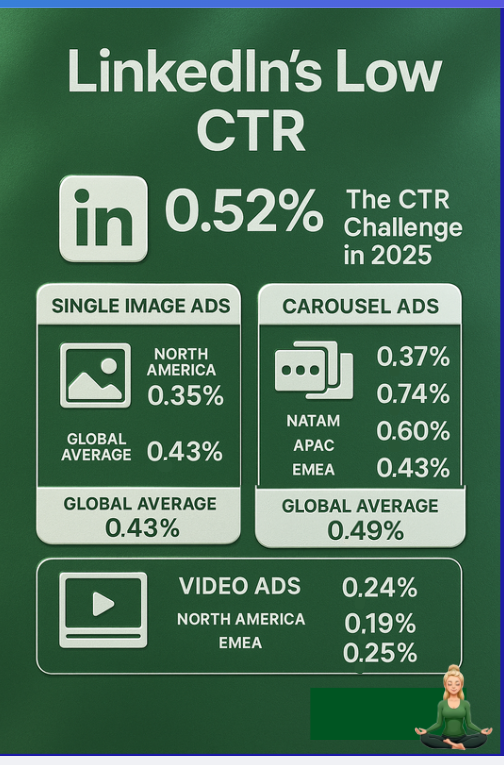
Truth is, most people exposed to your LinkedIn ads never click. With sponsored posts averaging around 0.4–0.5% CTR, over 99% of your target accounts engage invisibly.
Imagine a decision-maker sees your ad repeatedly, then later navigates directly to your site. If you only track clicks and form fills, that warming signal vanishes. Marketing cannot link the exposure to the eventual opportunity, and sales remains unaware of an account’s readiness.
The answer?
Rather than pushing only clicks, you must push impressions and engagement metrics rolled up at the account level into your CRM automatically.
Benefits include:
View-through attribution: Capture ad impact even without clicks.
Campaign performance breakdown: Know which LinkedIn campaigns truly move the needle.
And none of this should be a one-off manual export. It must be a continuous, automated sync.
Using ZenABM to Feed LinkedIn Engagement into Your CRM
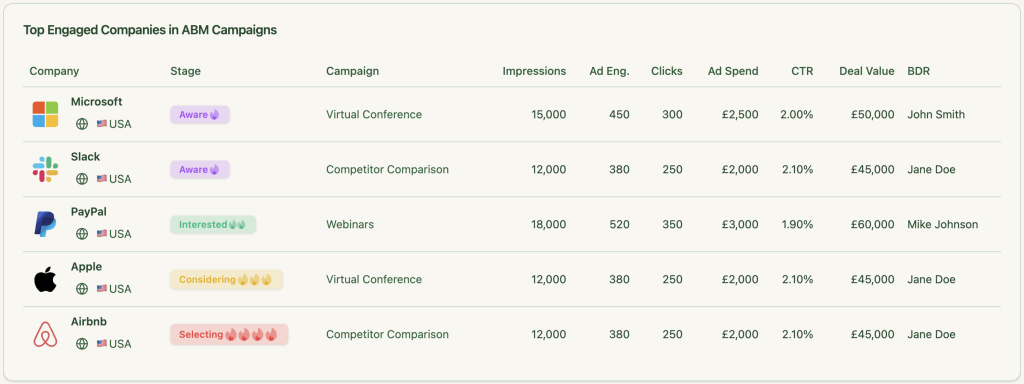
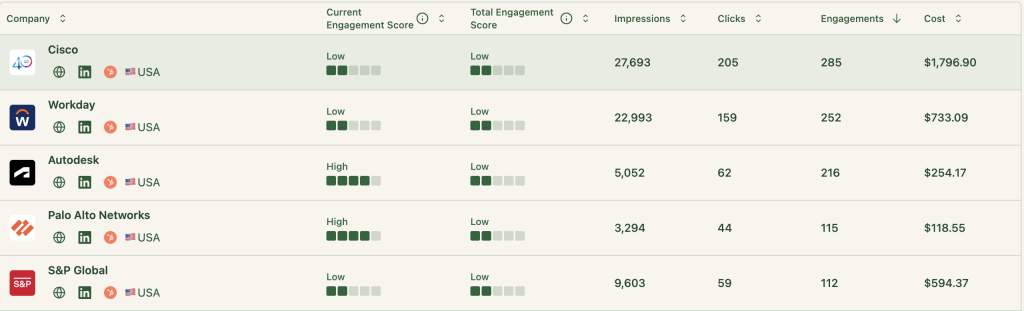
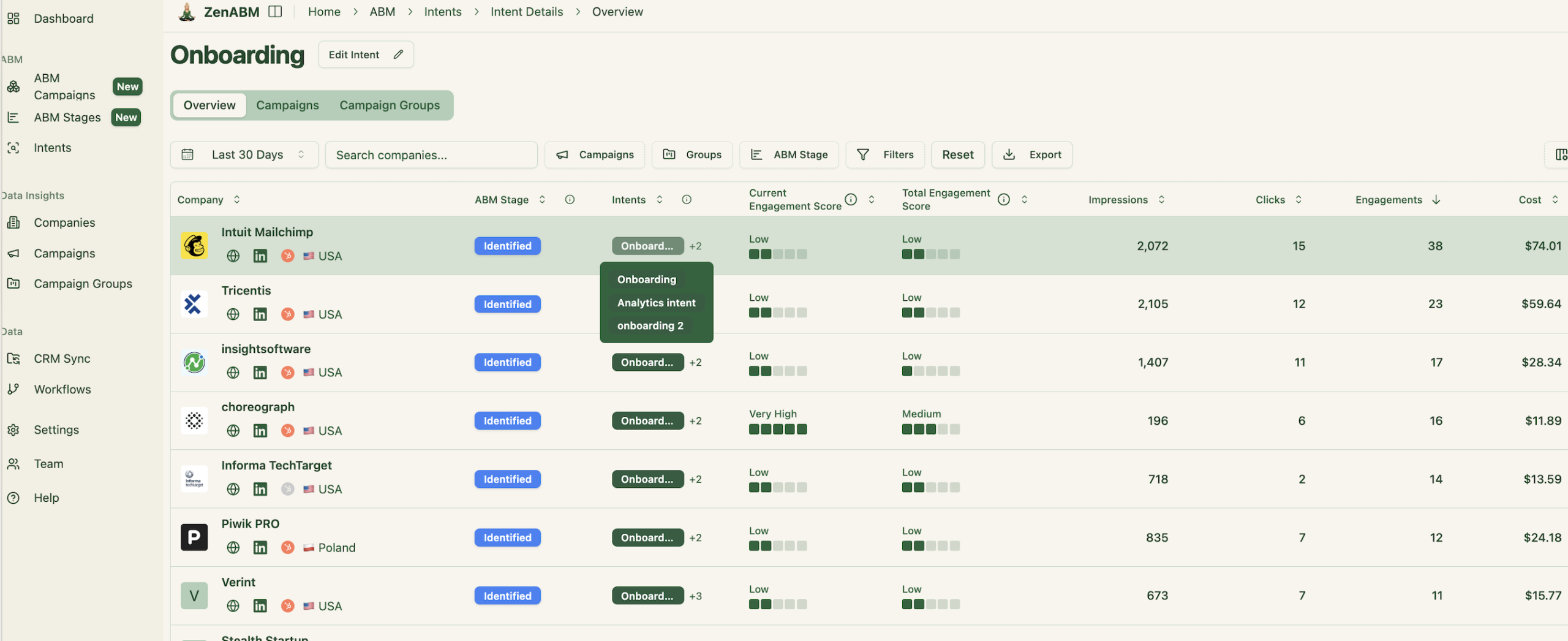
ZenABM was built for exactly this use case. Its platform gathers company-level impression, click, reaction, and spend data for every LinkedIn campaign or campaign group, then injects those insights straight into your CRM as company properties.
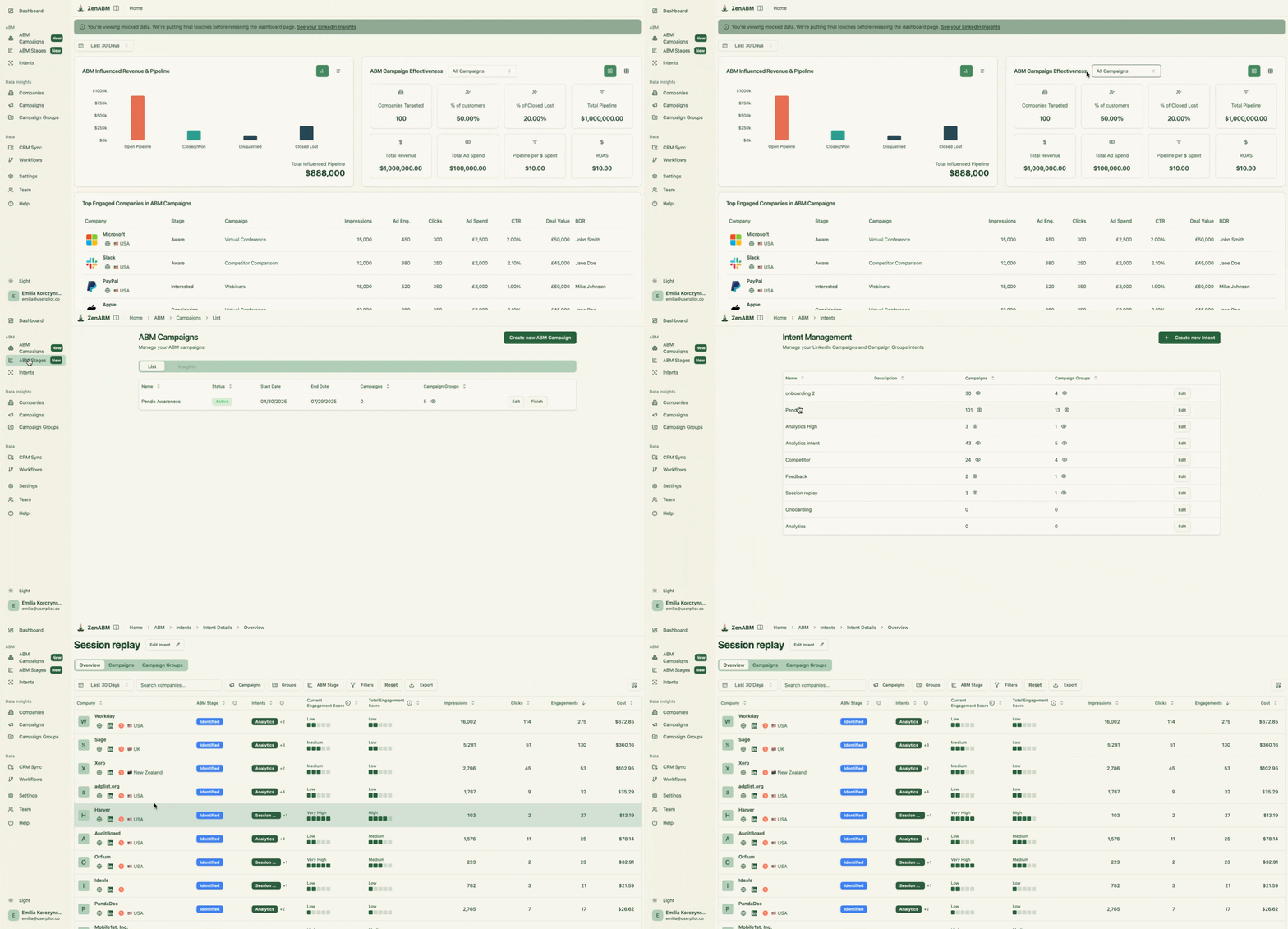
ZenABM dashboard: company-level engagement metrics by campaign from LinkedIn’s API
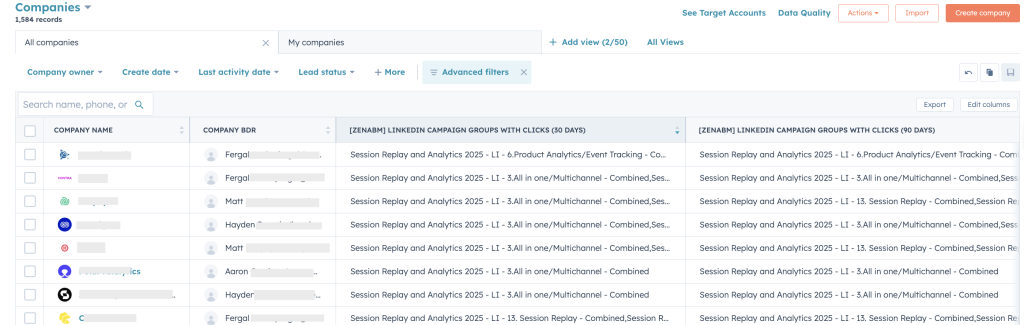
Once in your CRM (e.g., HubSpot), it looks like this:
Company properties in HubSpot populated by ZenABMLinkedIn ad metrics as HubSpot company properties via ZenABM
Connecting ZenABM with Your CRM
Integrating ZenABM takes just a few clicks:
Sign up on ZenABM with your corporate email and confirm it.
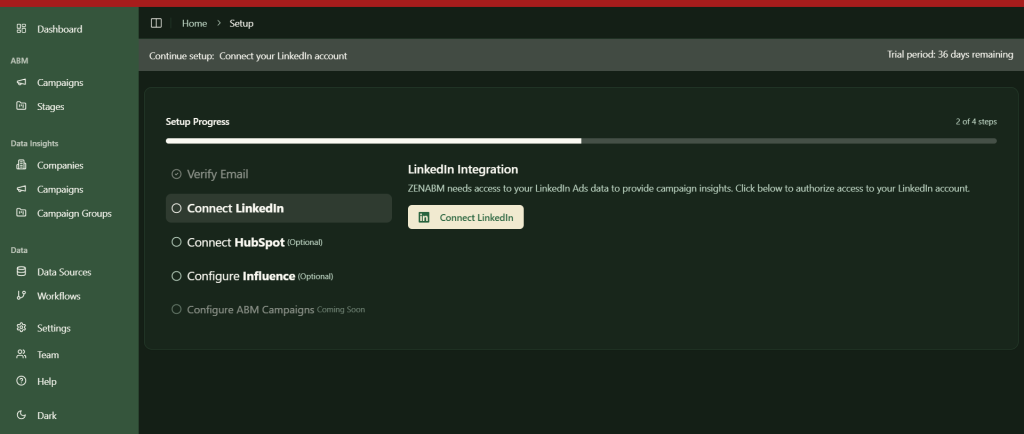
Click “Continue setup,” then choose “Connect LinkedIn.”
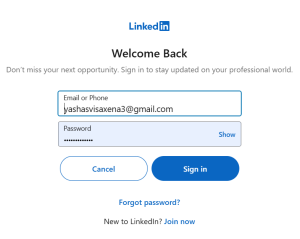
Authorize via LinkedIn:
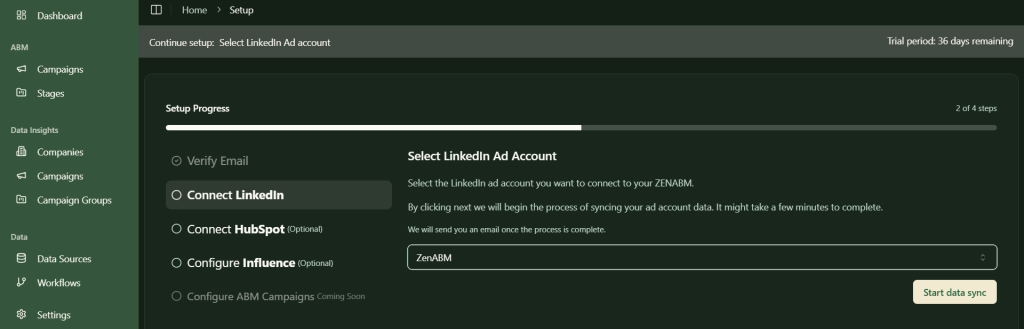
Select your LinkedIn ad account to sync:
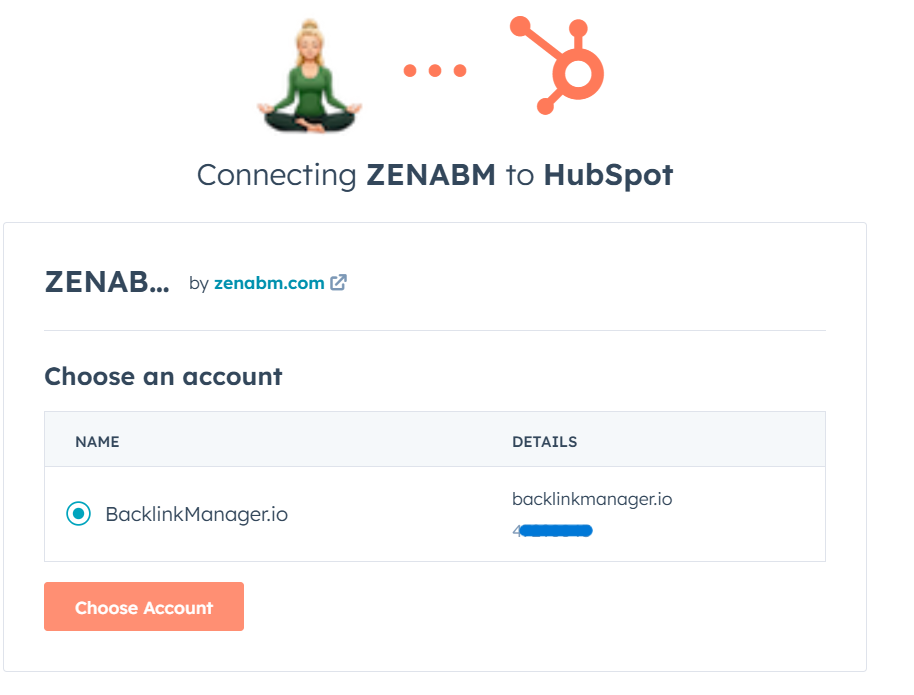
Click “Connect HubSpot,” log into HubSpot, and pick your portal:
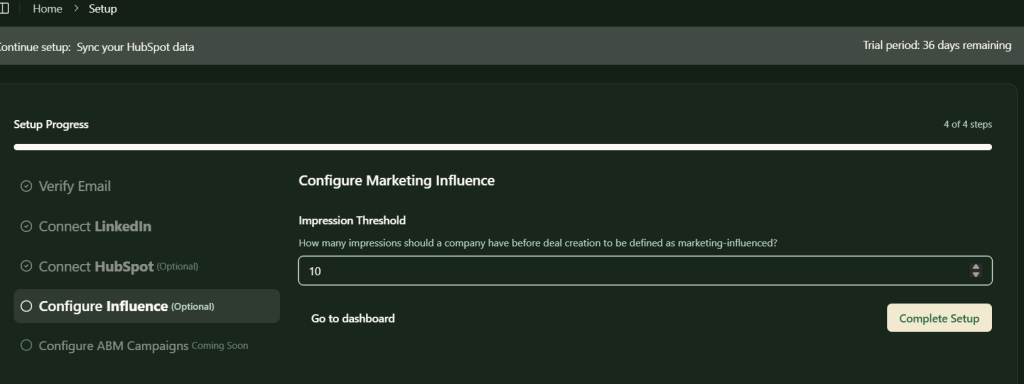
Set a minimum impressions threshold to qualify a company as “influenced” by a campaign:
After that, ZenABM will continuously stream account-level LinkedIn ad engagement into your CRM without any manual steps.
Additional ABM-Focused LinkedIn Ad Features in ZenABM
ZenABM doesn’t stop at data syncing. It layers on growth-driving intelligence:
Live Engagement Scoring & Auto-Assignment
ZenABM calculates a rolling “Current Engagement Score” (e.g., last 7 days) for each account, flags hot prospects, updates ABM stages, and automatically hands them off to BDRs (no custom workflows needed).
Real-time engagement scores help your team prioritize the most active accounts.BDR assignment is fully automated based on engagement thresholds.
Custom ABM Stage Rules
Define your own rules, combining ad signals and CRM data to map every account’s ABM stage.
Tailor each stage’s criteria to match your process.
Revenue-Linked Campaign Insights
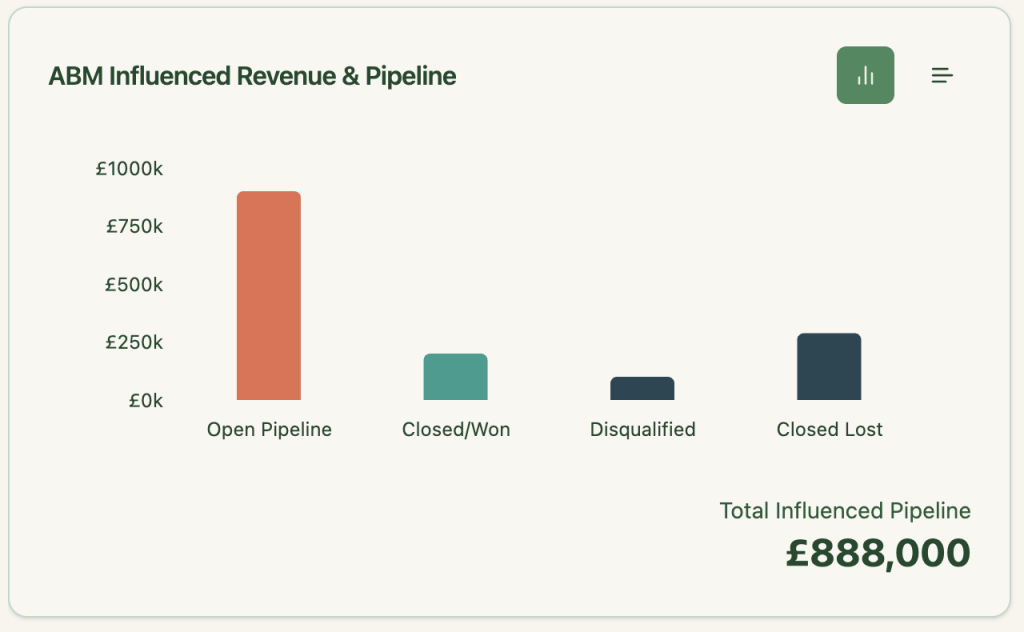
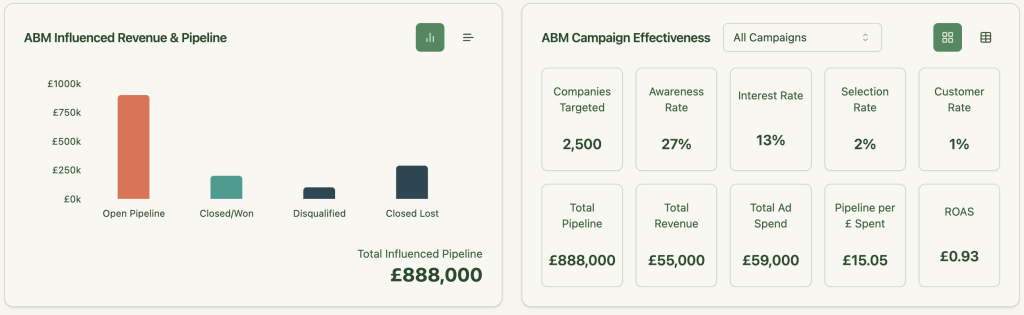
ZenABM not only pushes engagement into your CRM but also pulls back deal values, matching pipeline and closed-won revenue to the accounts that engaged.
Instantly view ROI, pipeline influenced, and deal counts by campaign.
Built-In ABM Reporting Dashboard
Pre-configured dashboards show key metrics like pipeline, spend, and ROAS segmented by account. All the math is done for you.
From spend to pipeline to revenue—all in one place.
Match them to CRM deals and retarget with tailored messages.
Buyer Intent Insights
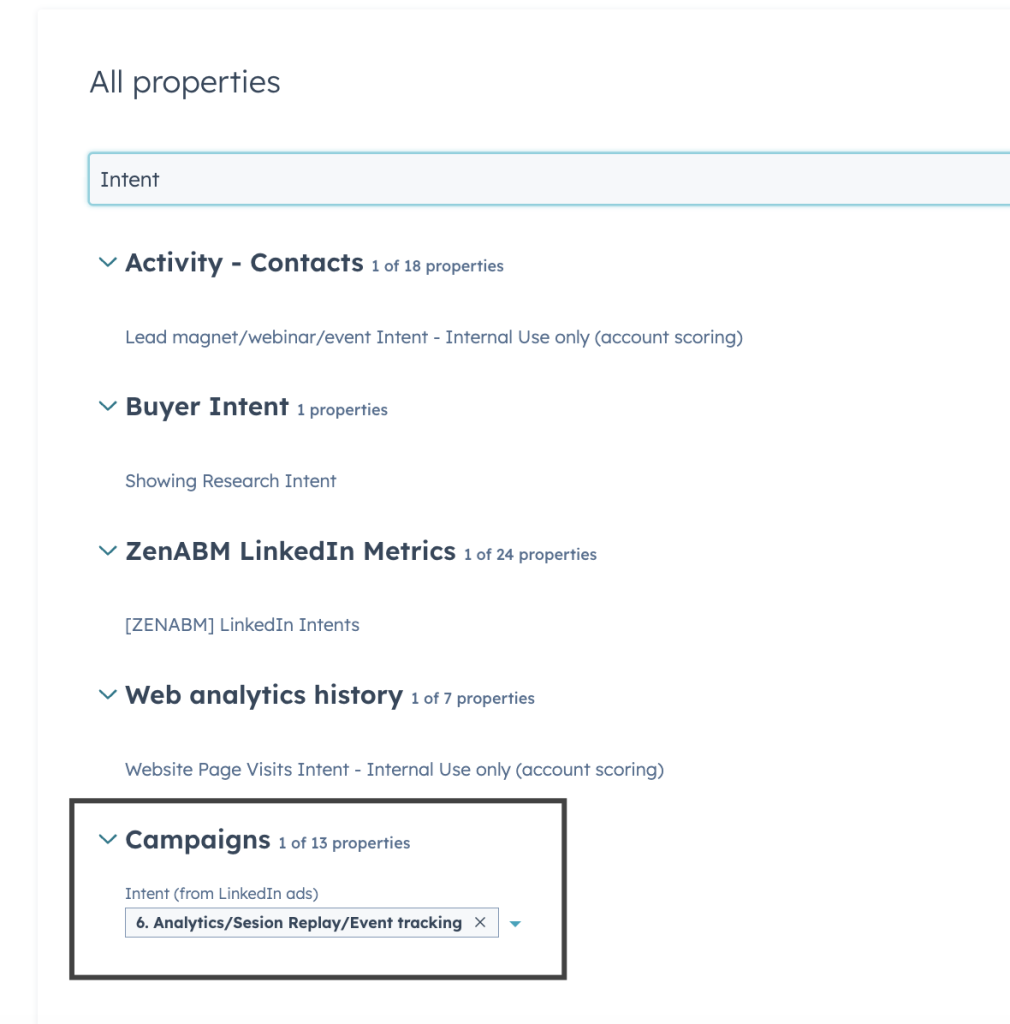
If you promote different product features to segmented campaigns, ZenABM detects which companies show interest in which use cases and pushes that intent as a property to your CRM (no complex workflows required).
Intent categories by campaign, ready to sync into your CRM.Intent tags as HubSpot company properties.
LinkedIn ads generate more invisible intent than clicks. If your CRM only logs clicks, you’re flying blind on ABM. ZenABM fills that gap by pushing full account-level engagement data (impressions, reactions, clicks) into your CRM, then scores accounts in real time, automates BDR handoffs, and ties every engagement back to revenue.